Security Operations Centre (SOC)
Overview
This guide will walk you through the process of integrating your Security Operations Center (SOC) with FinLegal's Claims Automation platform. The integration allows you to ingest detailed audit events for comprehensive security monitoring.
Prerequisites
- Access to FinLegal platform
- Credentials with administrative permissions
- SOC webhook or service URL
- Authorization details for your SOC endpoint
Step-by-Step Integration Process
1. Access Firm Settings
- Log into the FinLegal platform
- Locate and click on the left-hand navigation menu
- Select "Firm Settings"
2. Navigate to SOC Settings
- Scroll to the bottom of the Firm Settings page
- Locate the "SOC Settings" section
3. Configure SOC Integration Details
Fill in the following fields carefully:
Webhook/Service URL
Input: Enter the complete URL of your SOC webhook or service Important: Ensure the URL is valid and accessible Format: Must be a complete, well-formed URL (e.g., https://your-soc-endpoint.com/webhook)
Authorization Header (This is optional)
1. Header Name
a. Enter the name for your authorization header
b. Restriction: No spaces allowed
c. Allowed Characters: Alphanumeric and underscore (_)
d. Example: Authorization or X_API_Key
2. Header Value
a. Input your authorization token or key
b. Restriction: No spaces allowed
c. Allowed Characters: Alphanumeric and underscore (_)
d. Security: Ensure this is a secure, unique token
4. Validation and Submission
- Double-check all entered information
- Confirm that:
- URL is correct
- Header name contains no spaces
- Header value is valid
- Click "Save" or "Submit" to activate the integration
Example Configuration
Webhook URL: https://soc.example.com/audit-events
Header Name: X_API_Authentication
Header Value: your_secure_token_here
Audit Event Information
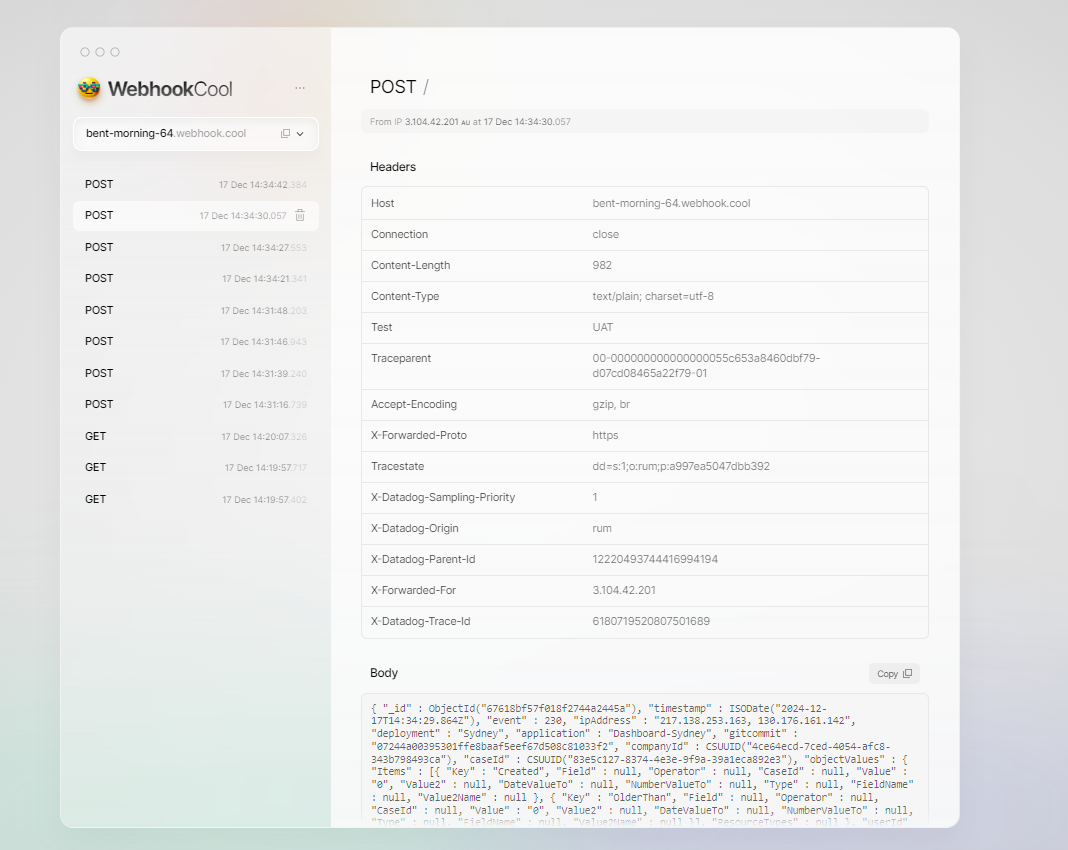
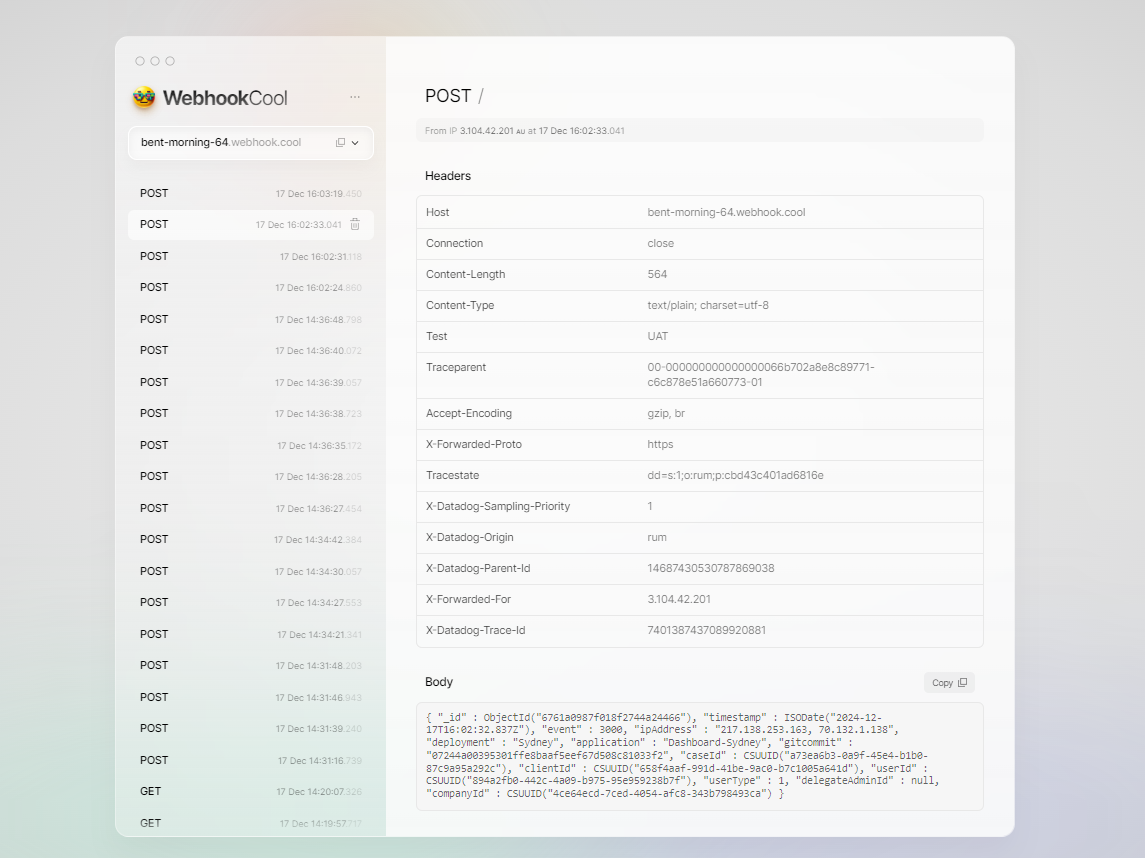
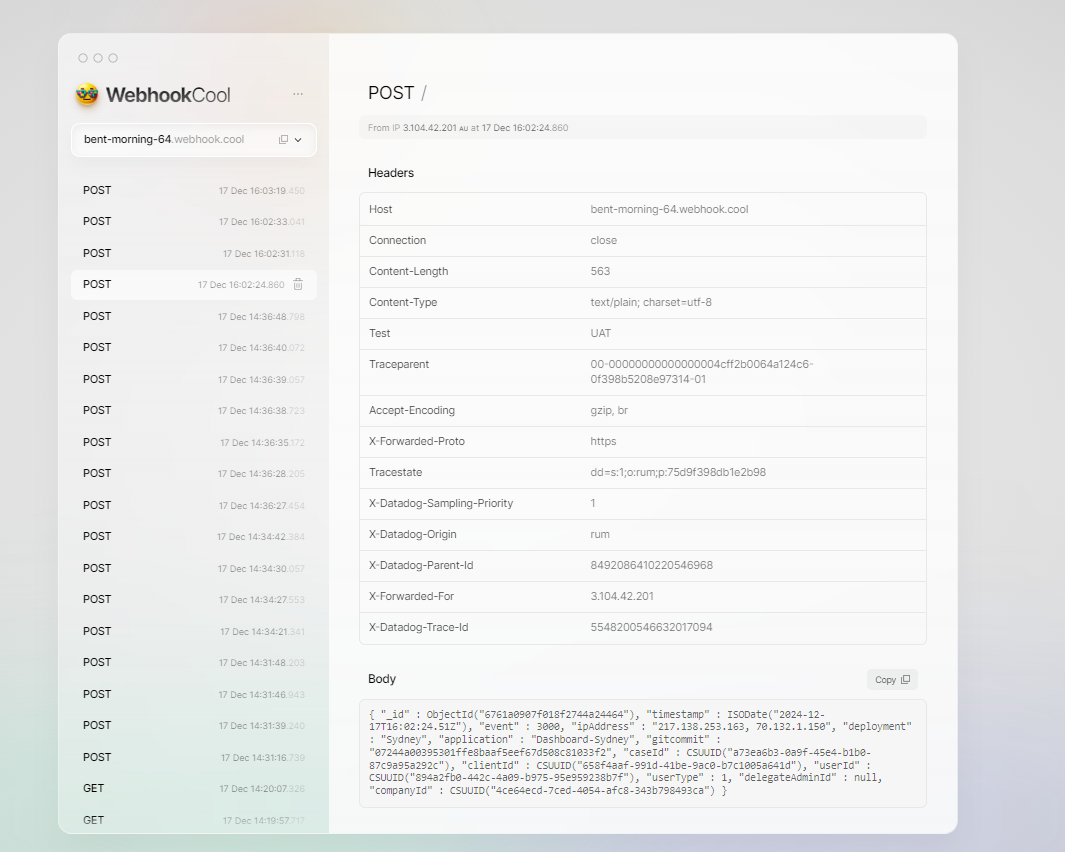
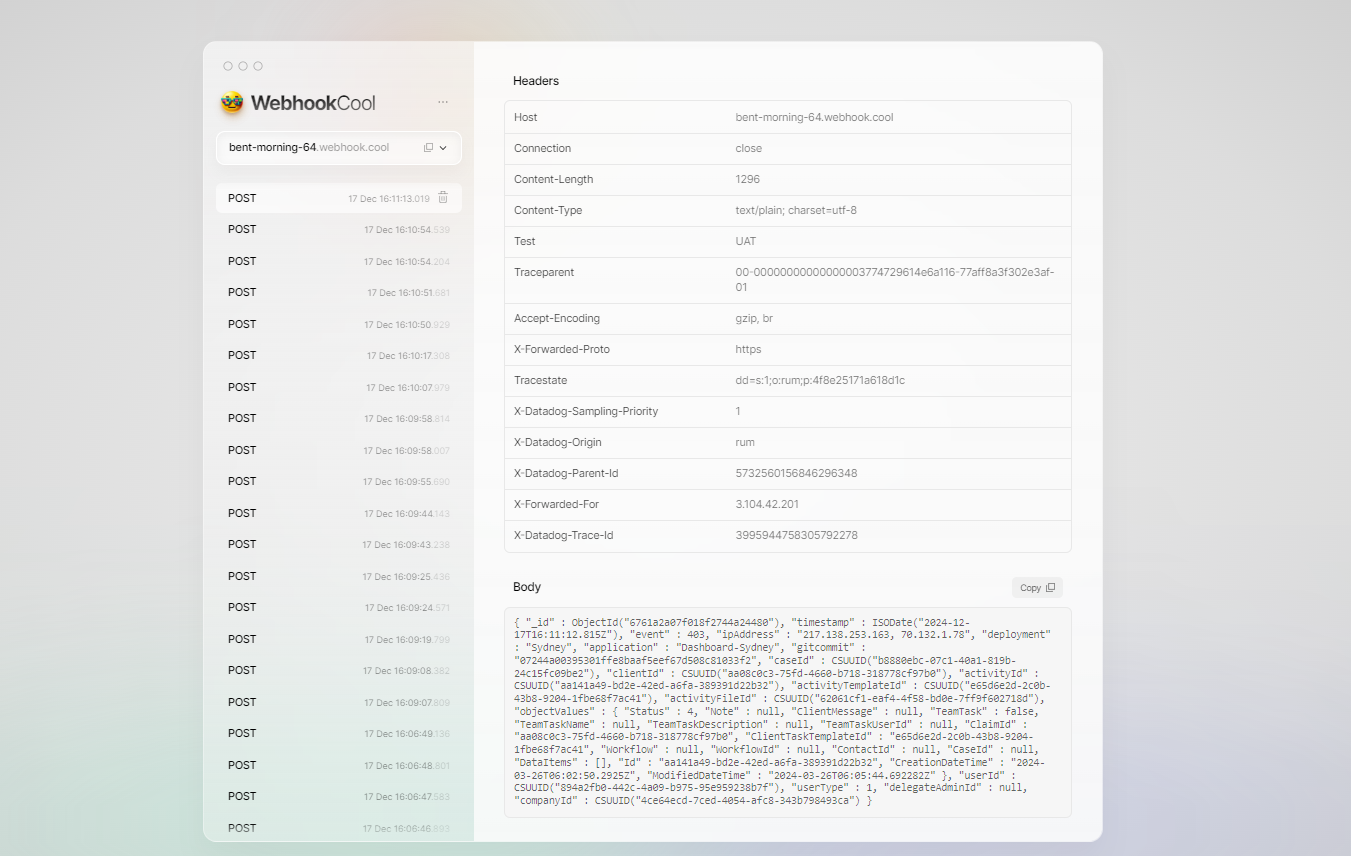
Integrated events will provide granular data including:
- User actions
- System changes
- Access attempts
- Potential security incidents
Best Practices
- Regularly review incoming audit events
- Maintain the confidentiality of your authorization header
- Update your integration token periodically
- Monitor and log all significant changes
Example Outputs